Wrong or duplicate addresses
A tester who opts in with a different Google account than the one invited does not fill the slot you thought they filled. Duplicate addresses have the same effect.
What a closed testing track is, how the process runs from build upload to opt-in, how long testing lasts, and where most campaigns go wrong.
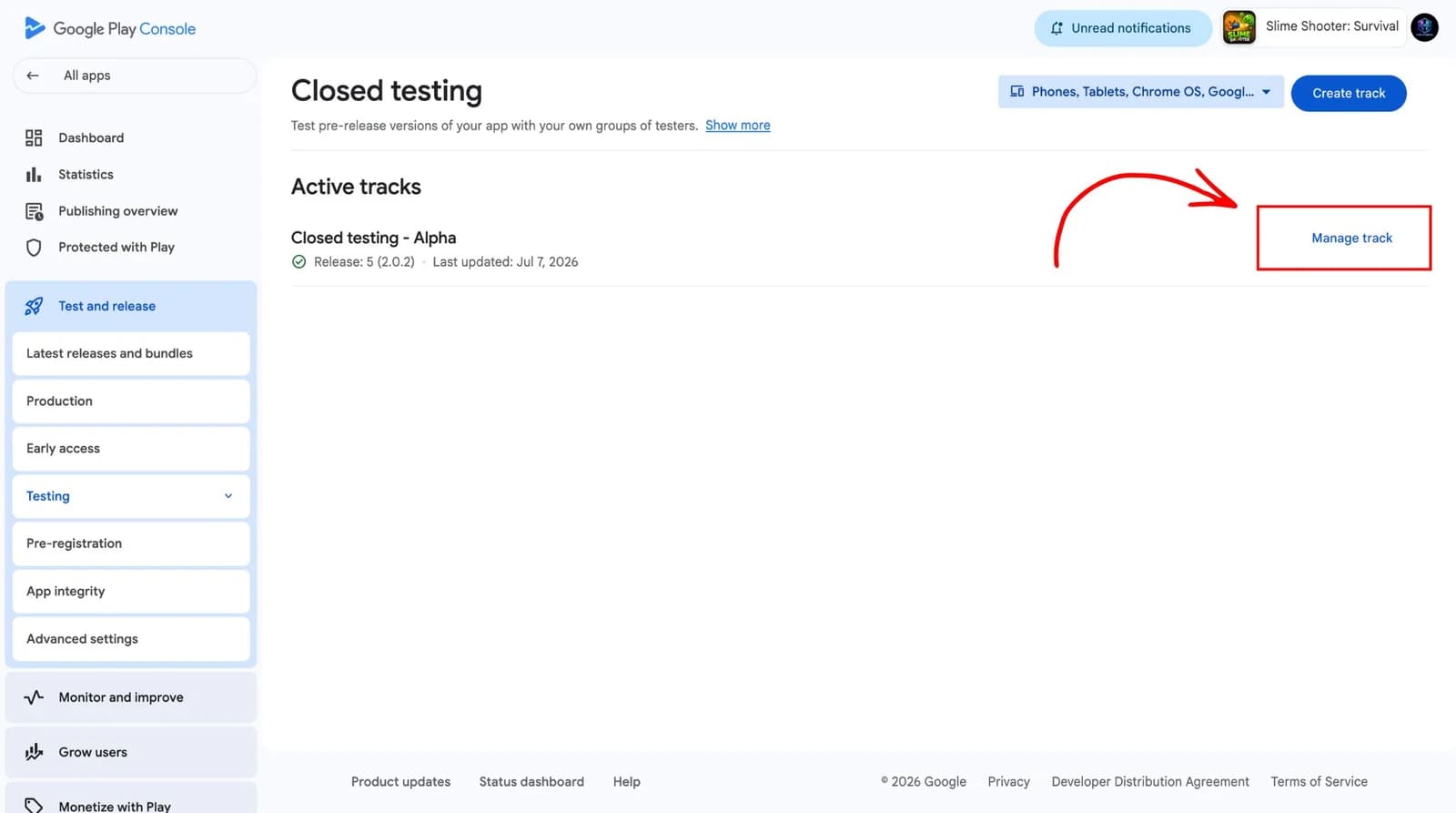
The Play Console gives you several release tracks. Internal testing is limited to a small list you control directly. Open testing is publicly joinable, with a listing anyone can find. Closed testing sits between them: the build is distributed only to the Google accounts you invite, and nobody else can opt in.
Closed testing is used for two different jobs. It is how you get a build in front of real devices before release, and it is the mechanism Google uses for the testing prerequisite that applies to some developer accounts applying for production access.
There are two different durations to keep separate. The duration you choose for testing is a product decision: as long as it takes to get useful signal. The duration that matters for a production access application is the continuous period Google requires testers to remain opted in, which is a policy rule rather than a preference.
That policy figure is not permanent. Google has changed it before and can change it again, so treat any number quoted anywhere, including on this page, as something to verify against the official documentation before you plan a window around it.
The closed testing track is inside your own account. Nobody else needs access to it, and no third party sits between you and Google.
Nearly every failed closed testing campaign fails for one of these reasons, and none of them are technical.
A tester who opts in with a different Google account than the one invited does not fill the slot you thought they filled. Duplicate addresses have the same effect.
An invitation is not an opt-in. People accept in conversation and then never open the link, and the gap is invisible unless somebody is watching the roster.
Nobody announces they have stopped opening the app. The interruption only becomes visible if activity is tracked through the window.
When the application asks you to account for the testing, the dates and participation numbers have to come from somewhere. Reconstructing them from memory is where accuracy is lost.
Tell us about the app and the window you are aiming for. We will confirm tester scope and what the campaign will track before anything starts.
We never ask for access to your Play Console account.