Tester Management
Keep a single, current roster of everyone testing your app.
Run the campaign from one place: build the tester roster, see who actually opted in and stayed active, and watch the testing window close. The test still runs in your Play Console. You just stop tracking it in a spreadsheet.
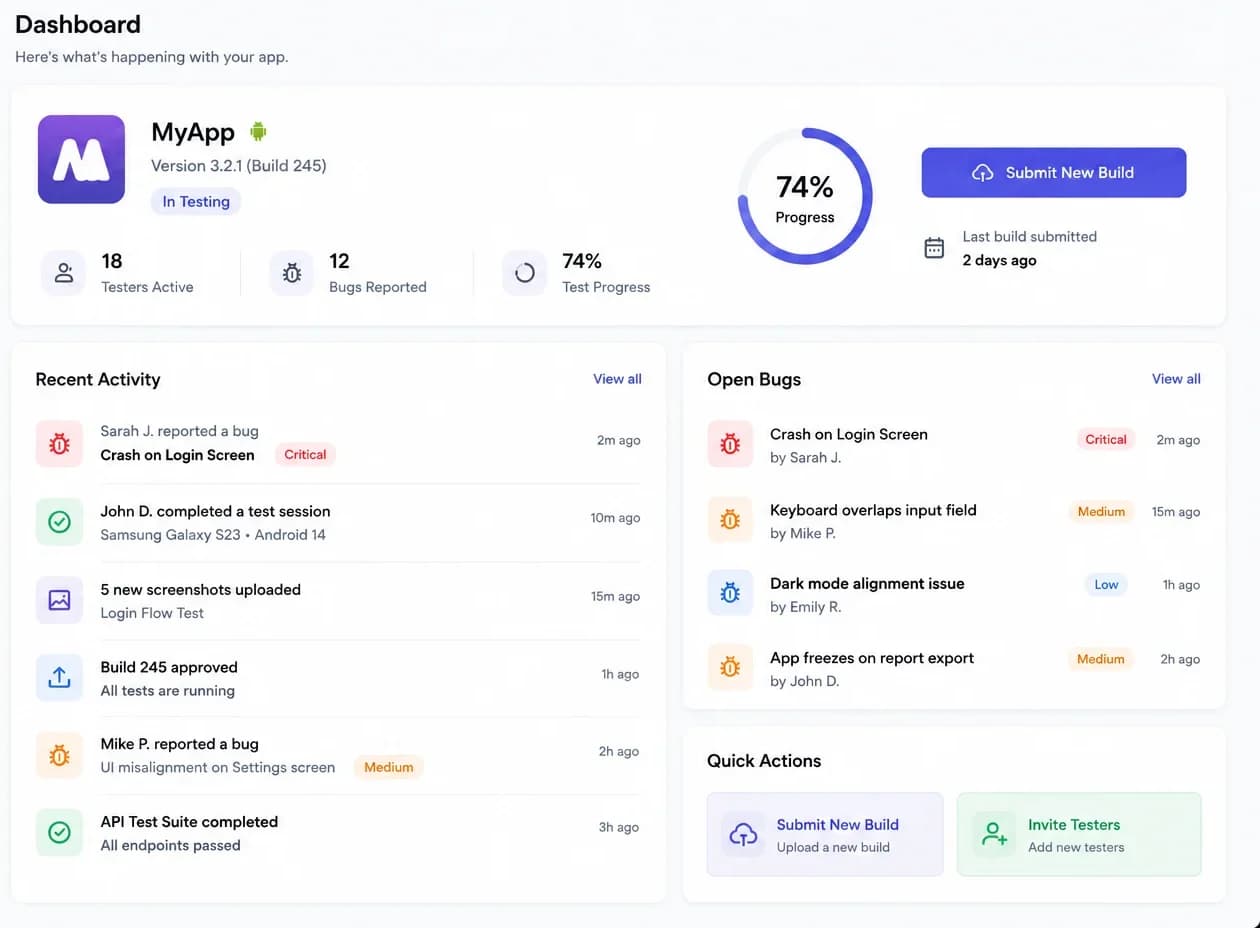
Every failed campaign we hear about fails on bookkeeping rather than testing: the roster drifts, participation is assumed, and the window is tracked somewhere nobody looks.
Twelve invitations accepted in conversation is not twelve testers opted in. Collapsing the two numbers is how a campaign looks healthy on day nine and is not.
A spreadsheet is accurate the day it is made. Without a reason to update it during the window, it quietly stops describing reality.
Testers do not announce that they stopped opening the build. The gap surfaces at the end, when replacing anyone costs you the window.
The one number that decides whether you can apply is the one that gets recomputed from memory the week you fill the form in.

Setup is an afternoon. What the four stages buy you is a testing window you can describe precisely, three weeks later, without reconstructing anything.
Name the app, record the build under test and fix the testing window you are committing to. The dates exist before the testers do.
Import the addresses you already have, or start a new list. Each tester is recorded against the Google account they will opt in with.
Opt-in and activity are tracked separately and continuously, so anyone going quiet is visible while replacing them is still an option.
Findings stay attached to the build they came from. The campaign summary records the window, participation and feedback as they actually were.
Eight capabilities. Six are in the product today and two are still being built, which is why those two say so.
Keep a single, current roster of everyone testing your app.
Every campaign has a start date, a target and a current state.
See how far through the testing window you are.
Distinguish invited, opted in, active and inactive testers.
Collect findings in a structured, per-campaign record.
A durable record of every test you have run.
Reminders before a tester goes quiet.
Exportable campaign summaries.
Five things, each of which answers a question somebody has to answer later. Everything else on this page is a consequence of keeping these accurate.

Because the record is written during the window rather than after it, the dates in it are the dates the campaign actually ran.
Plans differ by concurrent campaigns, whether tester pools carry across releases, and how much hands-on support you want. Rates are agreed per engagement and confirmed in writing first.
For a single app heading into its first closed test.
Scope and rate are confirmed before your campaign starts.
For teams shipping regular releases and running tests back to back.
Scope and rate are confirmed before your campaign starts.
For studios with several apps in flight and auditing requirements.
Scope and rate are confirmed before your campaign starts.
Each of these describes how the product behaves rather than what we would like it to be.
Production access is granted by Google after review. Our job is to make the testing you ran legible, and to say plainly that the outcome is not ours to promise.
We never ask for access to your account. You keep the track, the release and the application, which also means you are never locked in to us in order to ship.
Invited, opted in and active are tracked separately for the whole window. A flattering single figure becomes a liability the moment you have to justify it.
Testers stay on the track and rosters carry forward, so the next campaign costs less coordination than the first one did.

Both of these pages say what is included and what is not, including the parts that are still being built.
Short answers on how the service works, what testers have to do, and what happens at the end of a window.
Tell us about your app and target timeline. We will confirm scope, tester requirements and the testing window before anything starts.
We confirm the app, the testing window and the tester scope in writing before any campaign work begins.